How to Pass Google Business Profile Video Verification Step by Step
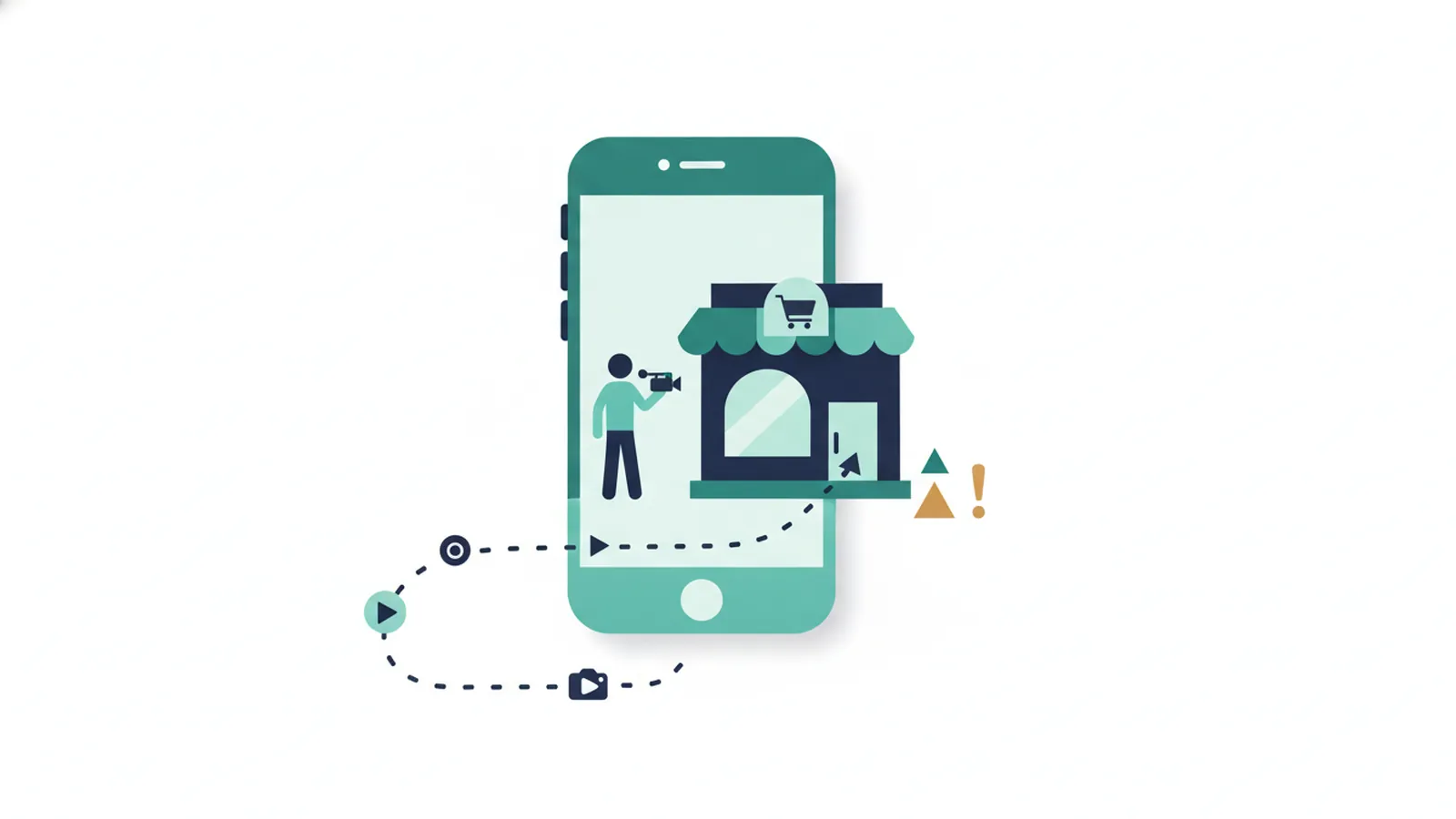
To pass video verification, record one continuous video that shows your business is real and at the address on your profile. Show nearby roads and the entrance, any signage, the inside of the premises, and the equipment or stock you use. Do not cut or edit the video, and make sure the profile details match what you film.
Contents
- What Google wants to see
- Before you film
- Step by step
- If you serve customers at their address
- Common mistakes
- If it still fails
- Privacy and safety
- Frequently asked questions
- Sources
What Google wants to see
Google needs to be confident that the business is real, that it operates from the address on the profile, and that you manage it. Specialists report that repeated video rejections usually happen when the video does not clearly confirm the location. Check Google’s current video instructions before you film, because the requirements can change.
Before you film
- Make sure the profile name, address and category match your signage and what you will show.
- Have anything you need to access the premises, such as keys, ready.
- Charge your phone, clear storage and film in daylight if you can.
- Plan the route from the street to the entrance and inside, so you can film without stopping.
Step by step
- Start outside. Show the street, nearby roads and the approach, including any driveway or access point, so the location can be matched to the address.
- Show the entrance and signage. Film the door and any sign with the business name.
- Go inside in one continuous shot. Do not cut, pause and restart, or edit.
- Show where you work. For example the counter, workshop, office or stock area.
- Show what you use to run the business. Tools, equipment, products or branded vehicles.
- Show that you manage the premises, for example by opening the door with your key.
- Keep the profile details consistent with everything you film.
- Upload the video and wait. Avoid starting a second attempt while the first is pending.
Want a second pair of eyes? Clariti Digital can review your setup and show you what to fix first.
If you serve customers at their address
Businesses that travel to customers, or work from home, can find video verification harder because there may be no shop to film. Read our guide to service-area businesses on Google before you start, and follow Google’s current rules on which address you can use.
Common mistakes
- Cutting or editing the video.
- Filming only the inside, so the location cannot be matched to the street.
- No signage or evidence of the business name.
- A profile address that differs from the place you filmed.
- Poor light or shaky footage.
- Filming a registered or virtual address with no real presence.
- Using stock footage or someone else’s premises.

If it still fails
Check the cause on our verification failed guide, fix any mismatch, and contact Google Business Profile support to ask for another method. If your profile has been suspended, see what to do first.
Privacy and safety
Film only what proves the business. Avoid showing private documents, other people’s faces or personal belongings.
Frequently asked questions
What do I need to show in a Google video verification?
Nearby roads and the entrance, signage, the inside of the premises, and the equipment, stock or vehicles you use, in one continuous video that matches your profile address.
How long should the video be?
Google says at least 30 seconds, in one unedited recording with no breaks, captured live on a mobile device and uploaded through your profile.
Can I film from home?
Only if home is a genuine place of business and Google’s rules allow it. Read our guide on service-area businesses first.
Why was my video rejected?
Usually because the location could not be clearly confirmed, the video was cut, or the details did not match the profile.
Can I try again straight away?
Fix the likely cause first. Specialists advise against repeated quick attempts.
Sources
- Vimm, Why Google Business Profile verification fails and what to do next, checked 11 October 2026.
- Synup, Google Business Profile suspended: possible causes and fixes, checked 11 October 2026.
- Google, Google Business Profile Help, checked 11 October 2026.

Sam, Editor at Clariti Digital.
Related guides
- Google Business Profile suspended: How to find the cause and recover a suspended listing.
- Verification failed: Why Google Business Profile verification fails and what to try next.
- Service-area business: Address and service-area rules for businesses that travel to customers.
Need help with this?
Clariti Digital is a UK digital growth agency for established local businesses. We start with a diagnostic, then fix what holds back visibility, enquiries and trust. Call +44 7435 063827 or email sam@claritidigital.com.