GA4 for Small Business: 5 Events Every Local Business Should Track
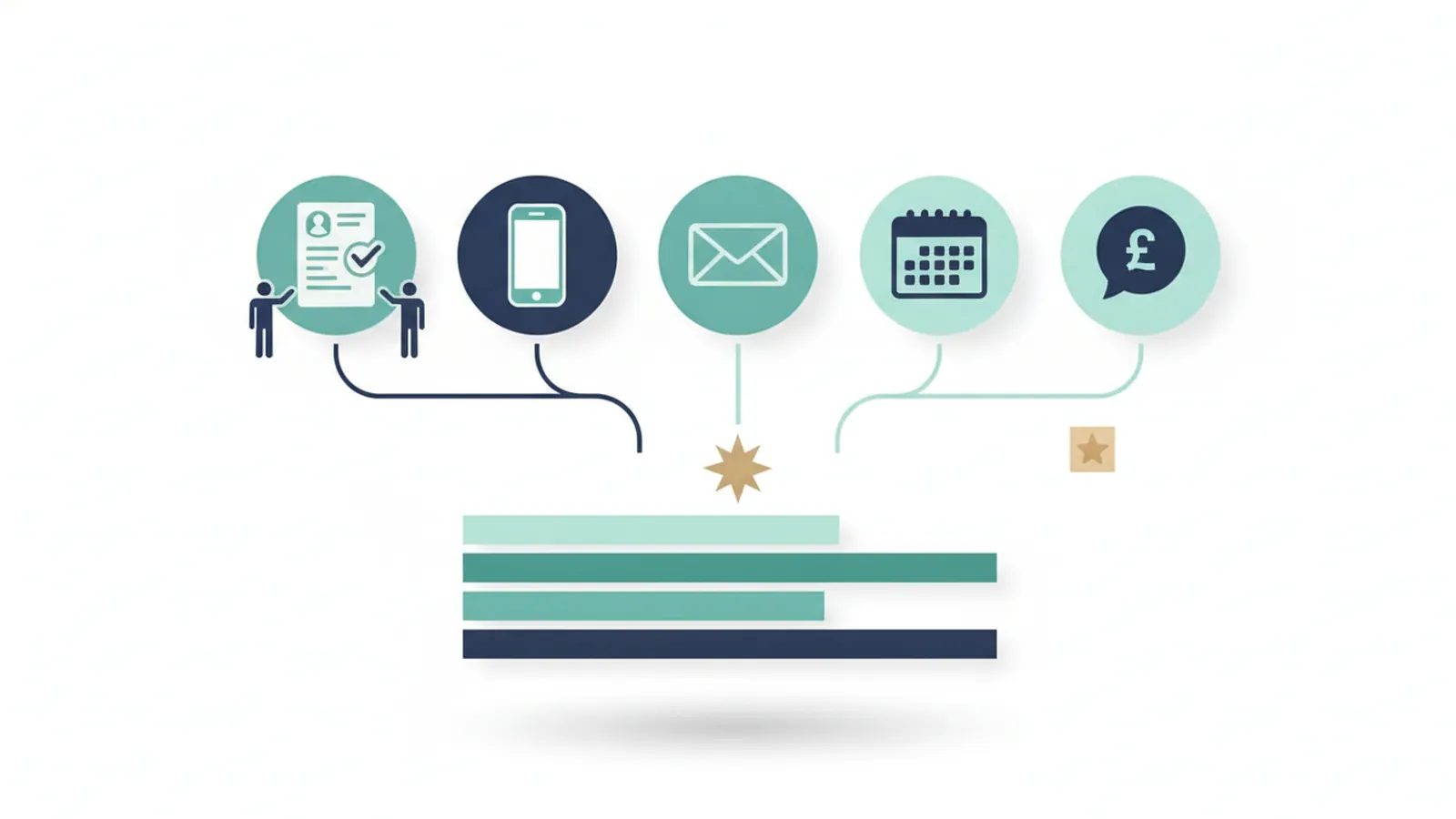
Google Analytics 4 records page views and clicks automatically, but it does not know which actions matter to your business. Track five: form submissions, taps on your phone number, clicks on your email address, bookings and quote requests. Set each up as an event, test it in debug view, then mark it as a key event so reports and Google Ads can count it.
Contents
- Events and key events
- The five events
- How to set them up
- Test every event
- Common mistakes
- What to do next
- Frequently asked questions
- Sources
Events and key events
Google Analytics 4 collects a basic set of events as soon as the tracking code is installed, such as page views, scrolls, outbound clicks and site searches. The chain to remember is event, then key event, then conversion in Google Ads. An event is anything GA4 records. A key event is an event you flag as important. When key events are imported into Google Ads they become conversions there. GA4 does not decide for you which events matter; you must flag them.
The five events
| What to track | Suggested event name | What it shows |
|---|---|---|
| A contact form is sent | `generate_lead` | A written enquiry |
| A visitor taps your phone number | `click_to_call` | A likely call, especially on mobile |
| A visitor taps your email address | `click_email` | A likely email enquiry |
| A booking is completed | `booking_complete` | A confirmed booking |
| A quote request is sent | `quote_request` | A high-intent enquiry |
Names are suggestions. Google lists generate_lead as a recommended event name, and the rest are descriptive names you can choose. Keep one naming style and write it down.

Want a second pair of eyes? Clariti Digital can review your setup and show you what to fix first.
How to set them up
Most of what a small business needs can be set up in Google Tag Manager in a few minutes per event, using its built-in click and form-submission triggers.
- Form submissions: the cleanest method is to fire the event on the thank-you page after a form is sent. If the form does not redirect, and many forms send without reloading, you need an event that fires when the form submission itself is detected.
- Phone taps: make sure every phone number is a link that starts with tel, then use a click trigger on those links.
- Email clicks: the same with links that start with mailto.
- Bookings and quotes: fire the event on the confirmation page or on the confirmed submission, not on the button click.
- Mark each as a key event in GA4 once it records correctly.
Test every event
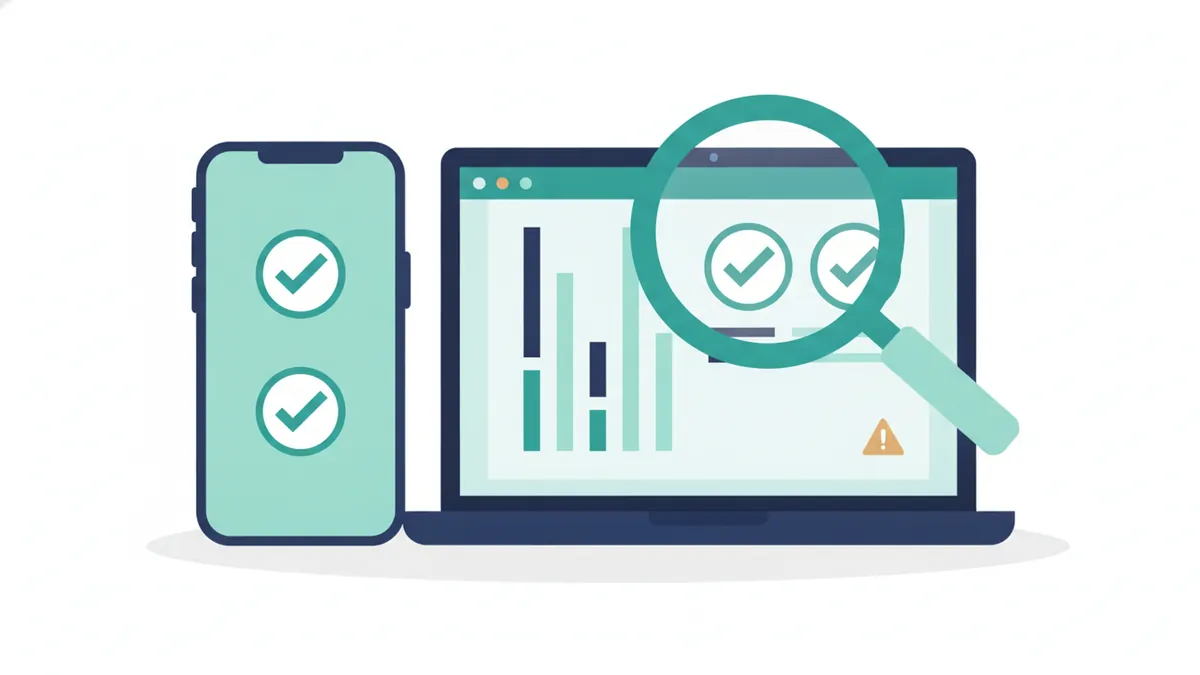
Use Tag Manager’s preview mode and GA4’s debug view. Submit a test form and tap the phone number from a phone, and confirm each event appears once. Test again after any change to the site or forms.
Common mistakes
- Counting a visit to the contact page as an enquiry instead of a completed form.
- Installing the GA4 code twice, which doubles counts.
- Counting the same action in a GA4 import and a separate Google Ads tag. See why GA4 and Google Ads numbers differ.
- Never testing, so a broken form goes unnoticed.
- Forgetting that offline actions, such as phone orders and walk-ins after someone found you online, are not visible in GA4 unless you import them.
What to do next
Calls are often the most valuable action for a local business. See how to track phone calls from your website. If you would like an expert to check your set-up, see our conversion tracking audit. To see why enquiries matter, read nine checks when a website gets no enquiries.
Frequently asked questions
What is a key event in GA4?
An event you mark as important to your business, such as a form submission or phone tap. Key events show in reports and can be imported into Google Ads as conversions.
Do I need Google Tag Manager?
Not strictly, but it makes tracking clicks and forms much easier to set up and change without editing the website code.
How do I track a form that does not redirect?
Use an event that fires when the form submission is detected, because there is no thank-you page to track. Test it carefully.
Can GA4 track phone calls?
It can count taps on a phone link. Counting completed calls needs call tracking. See how to track phone calls from your website.
How often should I check my tracking?
Check monthly for sudden drops or spikes, which often signal a tracking problem rather than a real change.
Sources
- Beancount, Setting up Google Analytics 4 conversions: a small business guide, checked 11 October 2026.
- ClicksGeek, How to set up Google Analytics for conversion tracking, checked 11 October 2026.
- CyberOptik, Conversion tracking, checked 11 October 2026.

Sam, Editor at Clariti Digital.
Related guides
- Track phone calls from your website: How to count calls that start on your website.
- Why GA4 and Google Ads numbers differ: Why Google Analytics and Google Ads report different numbers.
- Conversion tracking audit: A review of whether your enquiries are being counted correctly.
Need help with this?
Clariti Digital is a UK digital growth agency for established local businesses. We start with a diagnostic, then fix what holds back visibility, enquiries and trust. Call +44 7435 063827 or email sam@claritidigital.com.