Sales Pipeline Template: Track Every Enquiry From First Call to Job
This template gives you one place to record every enquiry and what happens to it. Download the spreadsheet or print the board, record each new enquiry the day it arrives, move it through six simple stages, and set a next action and date every time. A weekly ten-minute review shows what is stuck and what is turning into jobs.
Contents
- The six stages
- Download the template
- What to record
- A ten-minute weekly review
- Tips
- When to move to a CRM
- Frequently asked questions
- Sources
The six stages
| Stage | What it means | Your next action |
|---|---|---|
| New | An enquiry has arrived and nobody has replied | Reply or call as fast as you can |
| Contacted | You have replied and are finding out what they need | Ask the questions you need, then quote or visit |
| Quoted | You have sent a quote or price | Follow up on a date you set |
| Follow-up | You are waiting for an answer | Follow up kindly, then close the loop |
| Won | They said yes | Book the job and ask for a review afterwards |
| Lost | They said no or did not reply | Record why, then move on |
Download the template
The download is a blank spreadsheet. Nothing you type into it is sent to us.
Want a second pair of eyes? Clariti Digital can review your setup and show you what to fix first.
What to record
- Date received and source: where the enquiry came from, such as the website, phone, Google profile or a referral.
- Name, phone and email.
- Job description and a rough estimated value.
- Stage, next action and next action date: the three that stop enquiries getting lost.
- Outcome and lost reason: the two that teach you the most.
A ten-minute weekly review
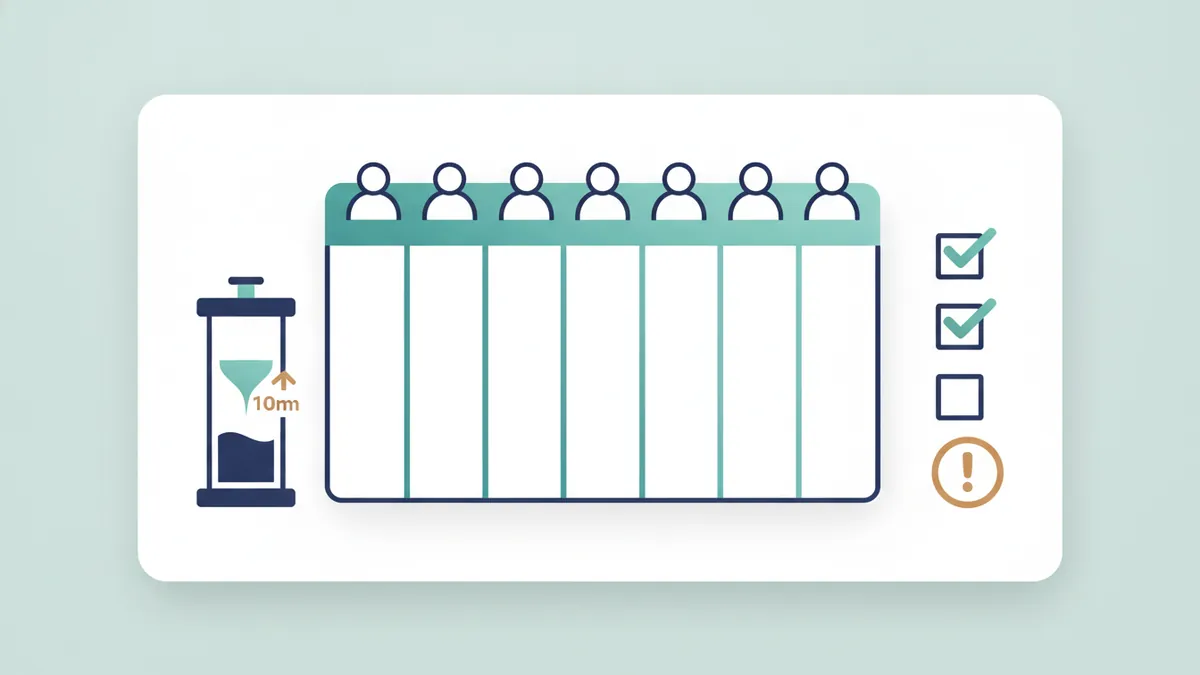
- Filter for every enquiry whose next action date has passed, and do those actions first.
- Look at everything in New and Contacted. Is anything older than a day?
- Look at everything in Quoted and Follow-up. Who needs a message today?
- Count enquiries received, quotes sent, jobs won and jobs lost this week.
- Read the lost reasons. Is there a pattern: price, timing, no reply?
Tips
- Keep the stages few. Six is plenty.
- Every enquiry gets a next action and a date. If it does not, it will be lost.
- Record the source, so you can see which marketing brings enquiries.
- Use reply templates; see follow-up templates for quotes and enquiries.
When to move to a CRM
A spreadsheet works while you are the only person replying and enquiries are few. Move to a proper tool when enquiries slip through, when more than one person replies or when you want automatic reminders. See CRM for small businesses in the UK, and for what speed can be worth, read how fast to reply to a new enquiry.
Frequently asked questions
Is this a CRM?
It is a simple spreadsheet pipeline. A CRM adds automation, reminders and shared access, but a good habit matters more than the tool.
Is the template free?
Yes. The template is free to download and use, and we do not ask for your email.
Does it store my data?
No. The template is a blank file, and nothing you type is sent to us.
How do I use it with a team?
Share the spreadsheet in an online tool your team can all edit, and agree who updates it. When that becomes awkward, consider a CRM.
How often should I update it?
The day an enquiry arrives, and every time something changes. Review the whole list once a week.
Sources
- Bigin, Why small businesses should track 3 CRM metrics, not 30, checked 11 October 2026.
- Askelephant, How CRM automation improves lead follow-up times, checked 11 October 2026.

Sam, Editor at Clariti Digital.
Related guides
- CRM for small businesses in the UK: What a small business CRM should do and how to start simply.
- Follow-up message templates: Copy and edit messages for enquiries, quotes and finished jobs.
- How fast to reply to a new enquiry: What the research says about reply speed and a realistic target.
Need help with this?
Clariti Digital is a UK digital growth agency for established local businesses. We start with a diagnostic, then fix what holds back visibility, enquiries and trust. Call +44 7435 063827 or email sam@claritidigital.com.