Why Your Website Gets Visitors but No Enquiries, and How to Fix It
A website that gets visitors but no enquiries usually has a conversion problem, not a traffic problem. The most common causes are slow or awkward mobile pages, unclear messaging, weak calls to action, too little trust, long forms and broken tracking. For B2B service sites, a conversion rate of 2% to 5% is described as solid, so measure yours before changing anything.
Contents
- Measure first, then change anything
- Why more traffic is not the answer
- Nine things to check
- Fix in this order
- Frequently asked questions
- Sources
Measure first, then change anything
Before you change a word, write down your baseline: monthly visitors, how many enquiries you get (calls, forms and messages), your conversion rate, the bounce rate on your key pages and the average time on page.
Conversion rate is enquiries divided by visitors, multiplied by 100. As an example, 10 enquiries from 1,000 visitors is 1%. One UK agency describes 2% to 5% as solid for B2B service websites, and another agency cites an Unbounce benchmark of about 2.35% for the average landing page. Treat these as rough yardsticks only, because trade, traffic quality and offer all matter.
Why more traffic is not the answer
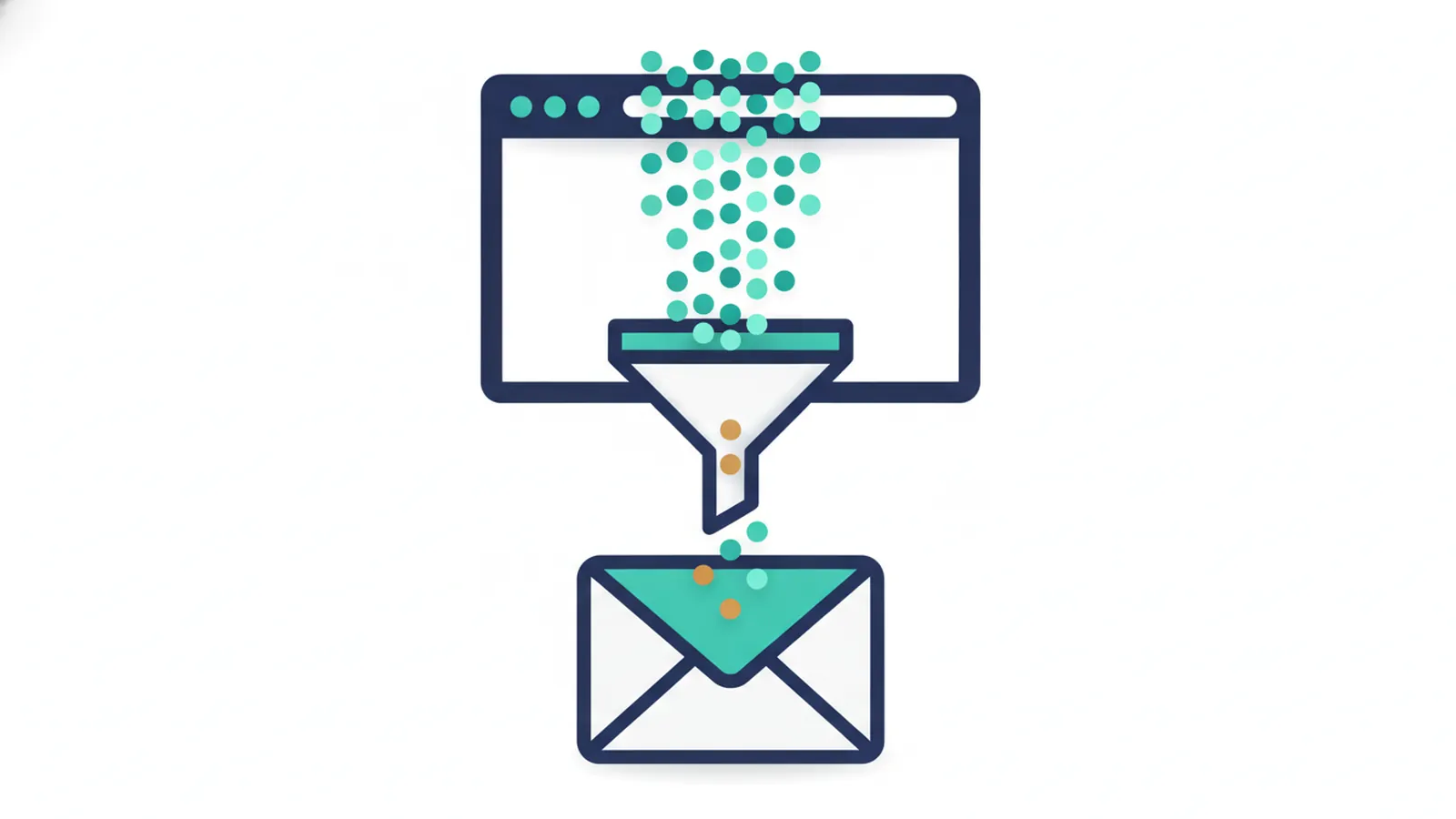
Traffic and conversion are two separate problems. Sending more visitors to a site that does not convert only costs more. Fix what happens after people arrive first, then increase the number arriving.
Want a second pair of eyes? Clariti Digital can review your setup and show you what to fix first.
Nine things to check
1. Is it easy to use on a phone?
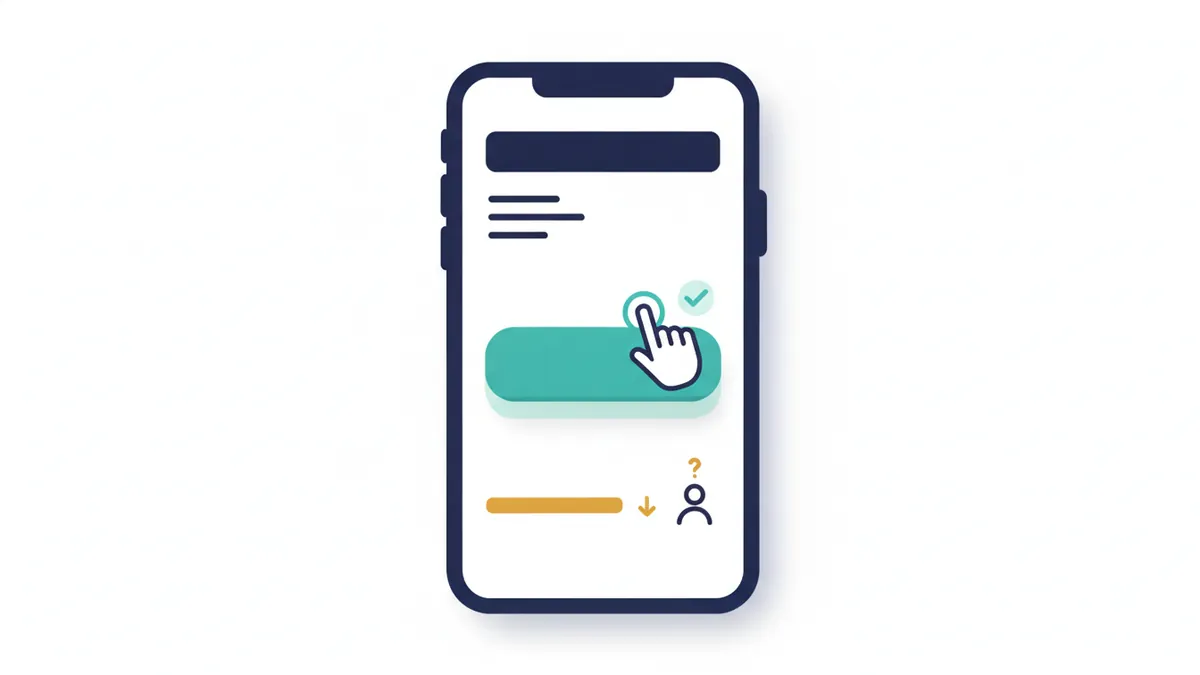
Several UK agencies report that more than half of web traffic comes from mobile devices, so the phone experience matters most. Open your site on your phone. Can you find the phone number, tap it and read the first screen without zooming? Fixes include bigger buttons, readable text and a tap-to-call button.
2. Does it load quickly?
Slow pages lose visitors before they read anything. Test a page free with Google’s PageSpeed Insights, and aim for a Largest Contentful Paint of 2.5 seconds or less, which is Google’s threshold for good. The usual culprits are oversized images, too many plugins and cheap hosting.
3. Is it obvious what you do, for whom and where?
Visitors decide in seconds. The top of the page should say what you do, who it is for and where you work, in plain words. Trying to appeal to everyone usually appeals to no one.
4. Is there a clear next step?
Every page should tell visitors what to do next. Count the calls to action on the first screen of your homepage on a phone. If there are none, or only one, that is a likely cause. Put at least two ways to get in touch where visitors can see them without scrolling, such as a phone button and a short form. Then call your own number from the site to confirm it works.
5. Do visitors have a reason to trust you?
Show real reviews you can evidence, accreditations, real photos of your team and work, a UK address or service area, and prices or ranges where you can. Stock photos and vague claims reduce trust. Never publish testimonials you cannot back up; see the UK rules on reviews.
6. Is your form making it hard?
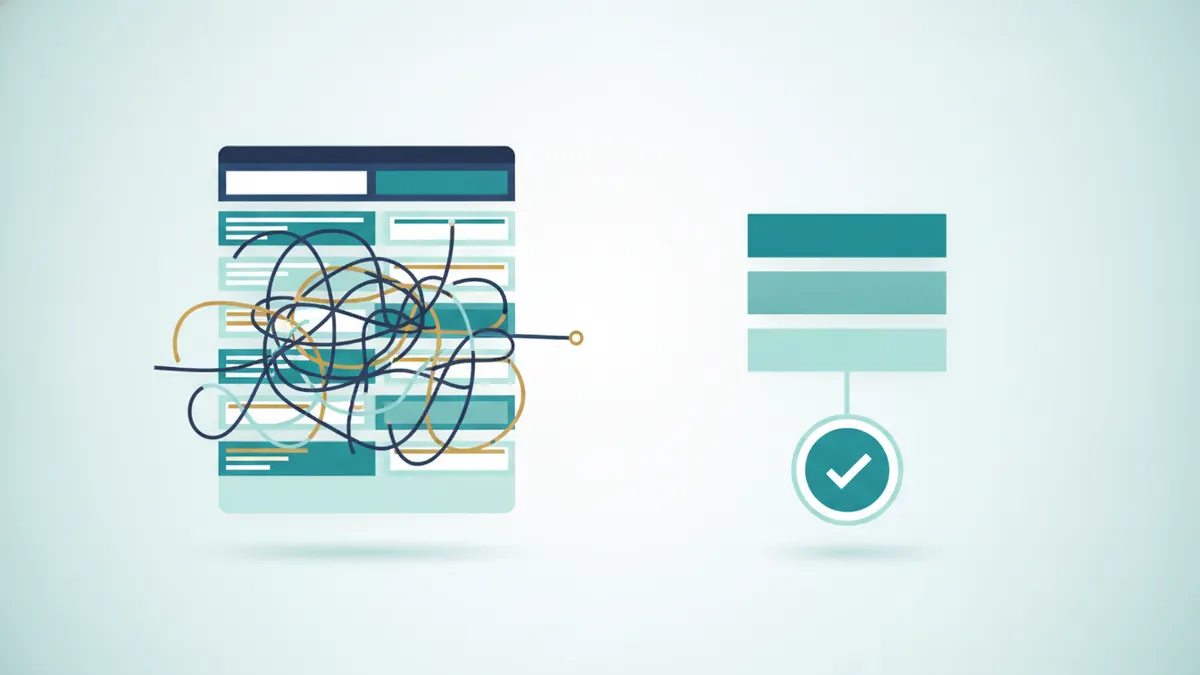
Long forms and unclear confirmations lose enquiries. Ask only for what you need, such as name, phone and a short message, and show a confirmation after sending. Test the form yourself and check that the notification email does not land in spam.
7. Is your phone number hidden on a contact page?
Many small business sites keep contact details on a single contact page, so a visitor persuaded by another page has to go looking. Put the phone number and a contact button in the header and footer of every page.
8. Is the traffic the right traffic?
Visitors who are not potential customers will never enquire. In Google Search Console, look at the searches that bring people to your pages. If the queries are about jobs, free advice or other places, the pages are attracting the wrong audience.
9. Can you see your enquiries at all?
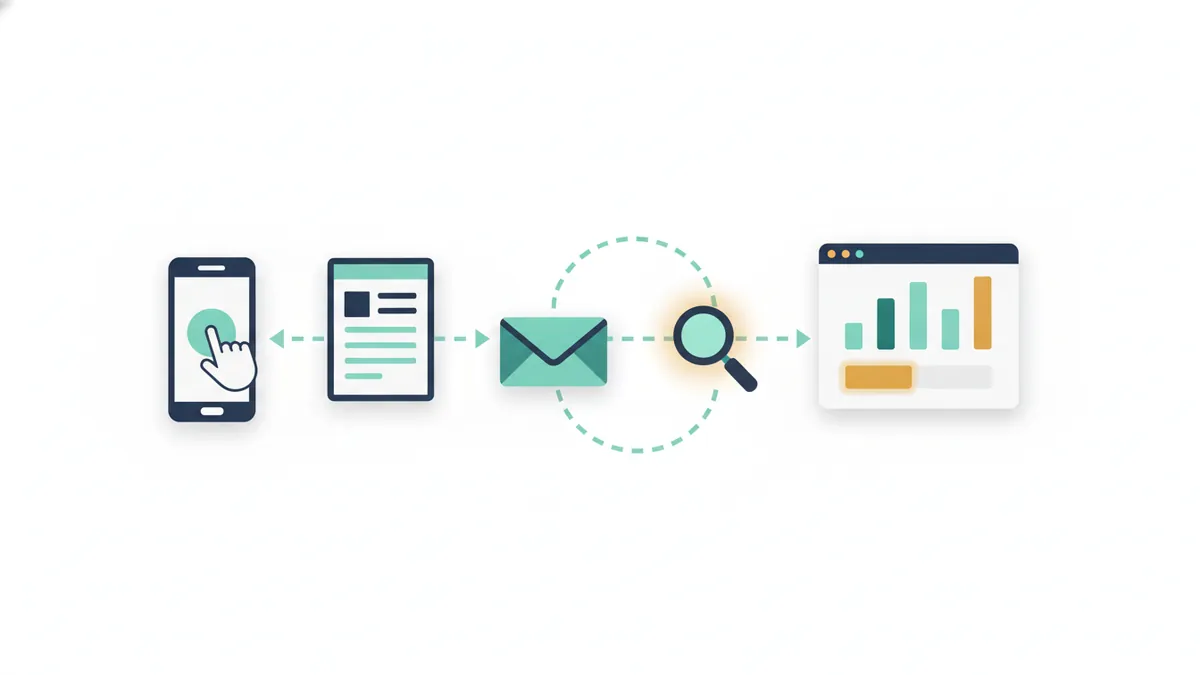
You may be getting enquiries that you cannot see. Check that Google Analytics 4 records form submissions, taps on the phone number and clicks on email or WhatsApp as key events, and test each one. Common mistakes are counting a visit to the contact page as an enquiry, installing the tracking code twice and never testing.
Fix in this order
- Tracking, so you can measure every change.
- Phone and calls to action, so the next step is obvious on a phone.
- Trust, with real reviews, photos and accreditations.
- Forms, shorter and tested.
- Speed, starting with the heaviest images and plugins.
- Messaging and content, so the first screen says what you do, for whom and where.
If the site really does need rebuilding, read what a small business website costs in the UK first. AI tools also read your pages, and clear, answer-first pages help you appear in ChatGPT and other AI search tools.
Frequently asked questions
What is a good conversion rate for a small business website?
One UK agency describes 2% to 5% as solid for B2B service sites, and an Unbounce benchmark cited by another agency puts the average landing page at about 2.35%. Rates vary by trade, traffic source and offer, so compare yourself with your own past results first.
Why do I get traffic but no calls?
Usually the site makes it hard to act: weak calls to action, a slow or awkward mobile experience, too little trust, or visitors who were never potential customers. Check all nine causes above and confirm that tracking is counting calls.
Can a slow website really cost me enquiries?
Yes. UK agencies describe slow mobile pages as one of the most common and fixable causes of lost enquiries. Test with PageSpeed Insights and fix the heaviest images and plugins first.
Do I need a new website?
Not necessarily. Many enquiry problems are fixed with clearer messaging, visible contact options, a better form and working tracking. Consider a rebuild if the site is slow, hard to edit or built on something you cannot move.
How do I know my contact form works?
Submit a test enquiry from a phone and a laptop, check the confirmation message, and check that the notification arrives, including in spam. Repeat after any plugin or hosting change.
How long do these fixes take?
Simple fixes such as tracking, tap-to-call buttons and shorter forms can often be done in days. Trust and content improvements take longer. Record your baseline first and compare after each change.
Sources
- Encapsulate Group, Why your website isn’t converting (and what to fix first), checked 11 October 2026.
- Snap Marketing, Why your website gets visitors but no enquiries, checked 11 October 2026.
- O’Brien Media, Why your website isn’t converting visitors, checked 11 October 2026.
- Whito, Why your website is not getting enquiries, checked 11 October 2026.
- Evontech, Why your website gets traffic but no enquiries, checked 11 October 2026.
- Mapletree Studio, Mobile website losing customers: how to fix, checked 11 October 2026.
- ClicksGeek, Fix a website not generating business inquiries, checked 11 October 2026.
- CyberOptik, Conversion tracking, checked 11 October 2026.
- Google, PageSpeed Insights, checked 11 October 2026.

Sam, Editor at Clariti Digital.
Related guides
- Google Business Profile suspended: How to find the cause and recover a suspended listing.
- How to appear in ChatGPT: What helps a local business show up in AI answers.
- Small business website cost UK: What a website costs and what to ask before you sign.
Need help with this?
Clariti Digital is a UK digital growth agency for established local businesses. We start with a diagnostic, then fix what holds back visibility, enquiries and trust. Call +44 7435 063827 or email sam@claritidigital.com.